Project
Inspect the platform, devices, system resources, peripherals, host environment, and toolchain in one place.
Command line tool
The Flash platform as a command-line tool. Point it at a firmware project and generate, build, and debug for your exact board — without leaving the shell.
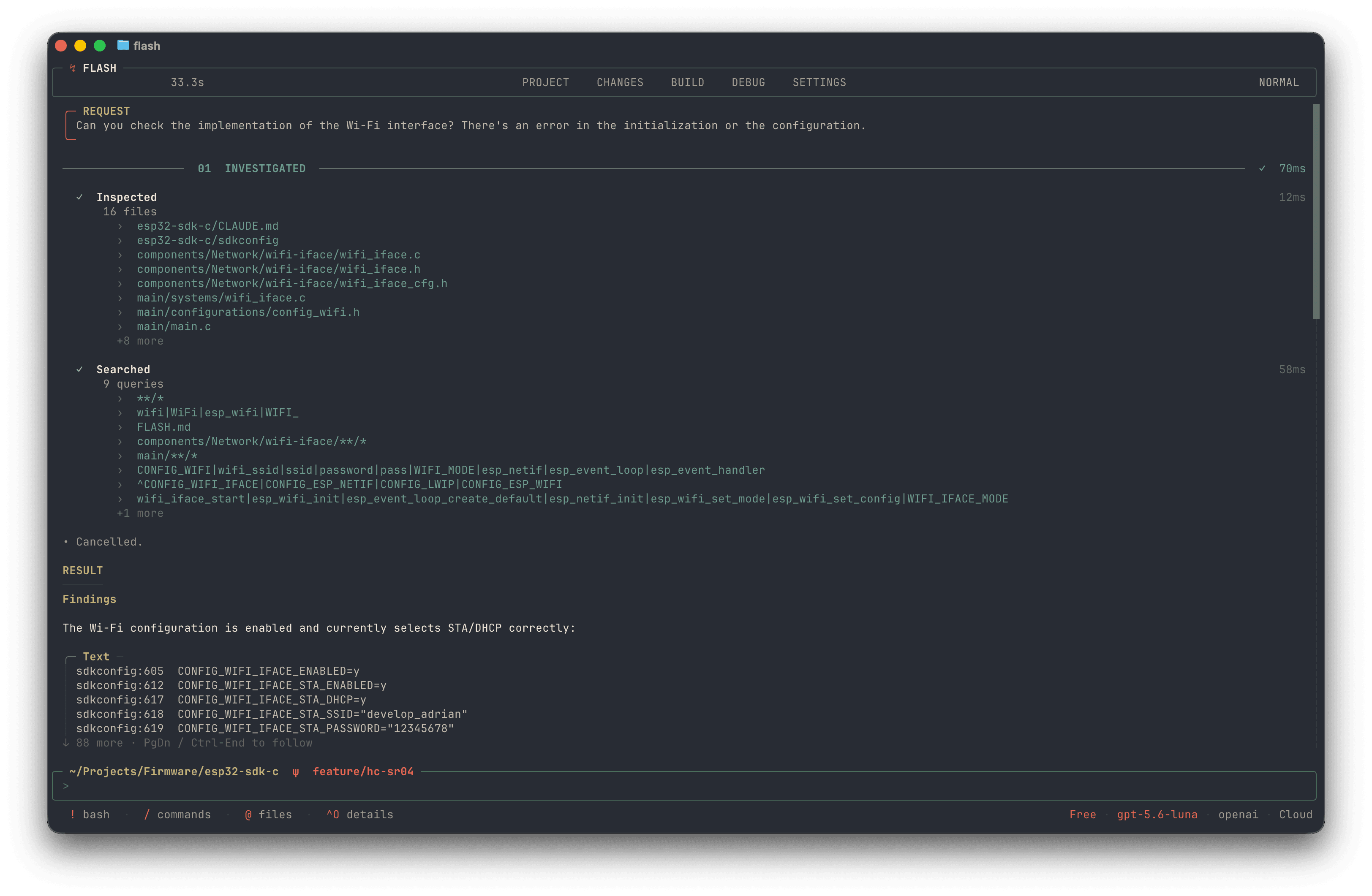
$ curl -fsSL https://flash1402225.gitlab.io/flash/install | bashInspect the platform, devices, system resources, peripherals, host environment, and toolchain in one place.
Review every file the agent changes and inspect the diff before accepting or shipping it.
Run builds, follow compiler output, and resolve errors without leaving the active session.
Connect devices, monitor serial or MQTT output, and debug firmware from the same interface.
Manage models, providers, account, usage, and the configuration for the current session.
Firmware developers who live in the terminal and want Flash inside the workflow they already use.
Bring project context, changes, builds, device output, and debugging into one terminal-first session.
Firmware already depends on compilers, flashing tools, logs, and debuggers in the shell, so the context stays where the work happens.
